SpeakEasy
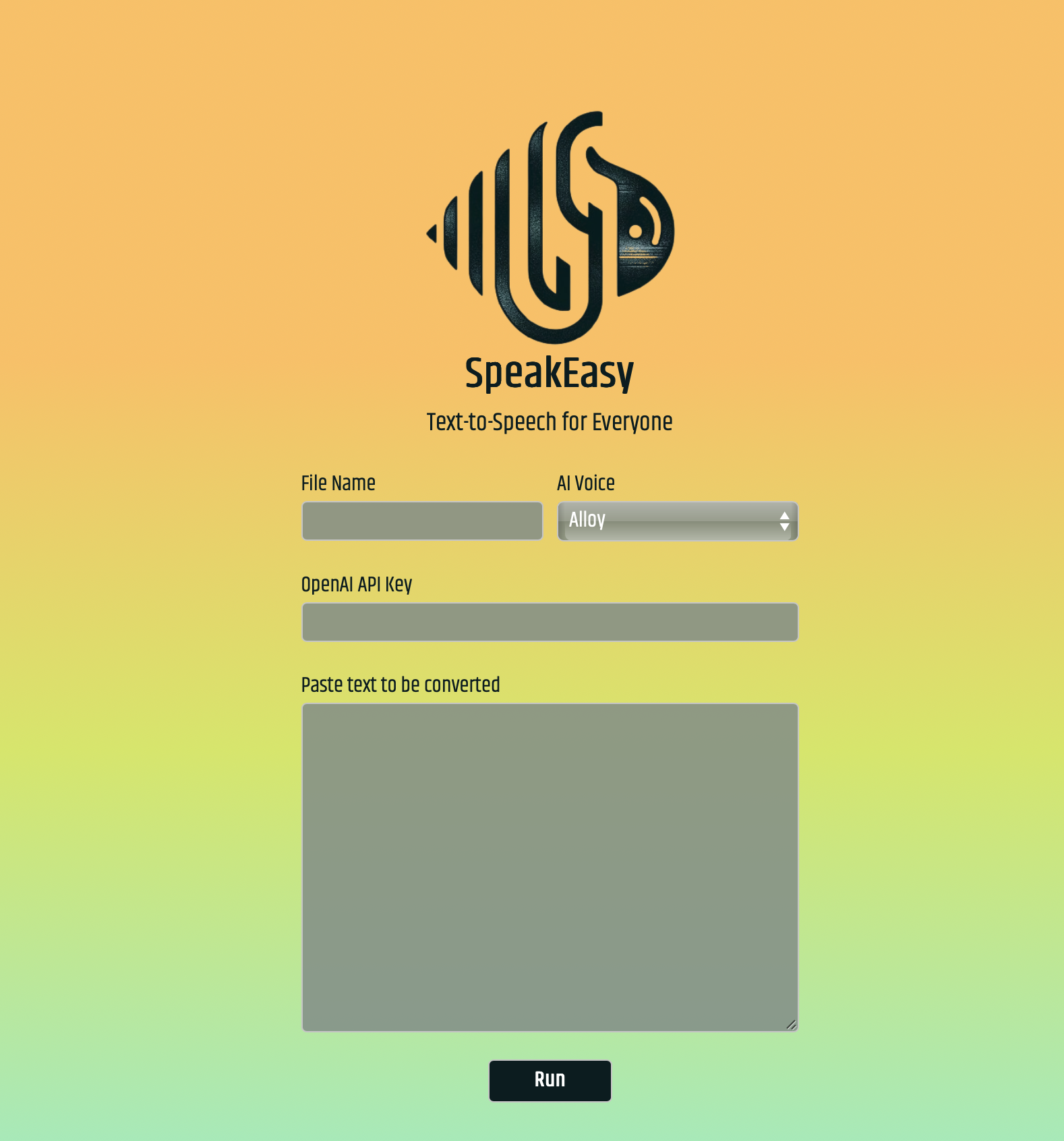
SpeakEasy was a straightforward text-to-speech tool that served two purposes: it allowed me to convert my blog posts into audio format, and it demonstrated the power of OpenAI's text-to-speech models to non-technical users. The tool worked on a transactional basis with no accounts or subscriptions. Users simply filled in a few details and SpeakEasy handled the heavy lifting to process their text into high-quality audio using the OpenAI API.
The Problem: Accessing Text-to-Speech
OpenAI's text-to-speech models were incredibly powerful, producing natural-sounding audio that was leagues ahead of traditional TTS systems. But for most people, especially non-technical users, accessing these models was impractical. The API required technical knowledge to use, and there was no simple interface for converting text to audio.
I wanted a way to easily create audio versions of my blog posts. I also wanted to show others just how good these models were without requiring them to learn how to use the OpenAI API directly. What I needed was a simple web interface where anyone could paste in text, select a voice, and get back a high-quality audio file.
The Solution: Simple and Transactional
SpeakEasy provided a straightforward web form where users entered their text, selected from the available AI voices, and provided their OpenAI API key. The tool handled all the complexity: cleaning the text, chunking it to stay within API limits, sending it for processing, and returning a polished MP3 file.
The design philosophy was simple: no accounts, no subscriptions, no data storage. Users paid OpenAI directly for their usage (typically a few cents per file), and their API keys and generated files were never stored. When you left SpeakEasy, everything went with you. This made it fast, secure, and easy to use.
The tool used OpenAI's tts-1-hd model, which took a bit longer to process but produced significantly higher quality output. It was worth the wait. The system could handle around 5000 words or approximately 30 minutes of audio per conversion.
See It In Action
You can watch a demo of SpeakEasy in action in this video:
Want to see the code? You can find it on GitHub.
How It Worked
Under the hood, SpeakEasy followed a three-stage process: text processing, chunking, and audio generation.
Text Processing
Before sending text to the API, SpeakEasy cleaned it up. Emojis and image references were removed since they often appear when copying and pasting from web sources, but you don't want an AI voice reading them aloud. Paragraph spacing was normalized to create a single clean string that was easier to work with.
Smart Chunking
The OpenAI API has a character limit of 4096 characters per request. SpeakEasy broke text into chunks of approximately 4000 characters, but here's the key detail: chunking only happened on spaces in the text. This ensured that words were never split in half and sent in separate chunks, which would have caused the audio to sound choppy and unnatural.
This was one of the most important technical details of the project. Initially, when words were being cut in half, the outputs sounded terrible. The smart chunking logic (lines 59-83 in text_processor.py) ensured that words stayed intact, resulting in smooth, natural-sounding audio.
Audio Generation and Concatenation
Each text chunk was sent separately to the OpenAI TTS API, and the returned MP3 files were stored. Once all chunks were processed, the individual files were concatenated into a single MP3 file, the temporary chunks were deleted, and the final file was made available for download through a link in the interface.